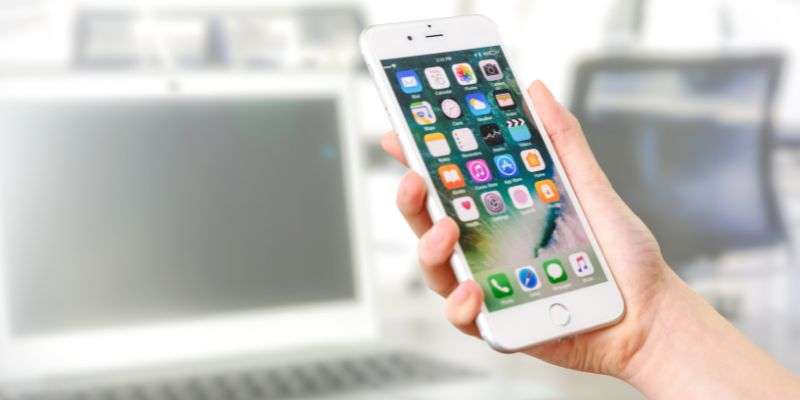
If your iPhone feels slow, cluttered or just not as good as it used to, your first thought is probably to upgrade.
Most of the time, you do not need to.
A few simple changes can make a huge difference and in less than 15 minutes, your phone can feel faster, cleaner and easier to use.
Here is how to reset that fresh out the box feeling.
Step 1: Clear Out What You Do Not Use
Apps build up over time. Some you use daily, most you probably forgot about.
Go through your apps and remove anything you have not used in the last month. It frees up storage and reduces background activity.
Then check your photos and videos. These are usually the biggest space takers. Delete duplicates, old screenshots and anything you do not need.
Less clutter means better performance.
Step 2: Free Up Storage the Right Way
Storage is one of the biggest reasons an iPhone slows down.
Go to Settings, then General, then iPhone Storage. This shows exactly what is taking up space.
Look for large apps, message attachments and downloaded files you can remove.
You do not need to clear everything, just enough to give your phone some breathing room.
Step 3: Refresh Your Settings
Over time, settings get changed, notifications build up and things start to feel messy.
Take a few minutes to:
- Turn off notifications you do not need
- Remove old WiFi networks
- Check location services and background app refresh
This is not about turning everything off, it is about keeping what actually matters.
Step 4: Restart Your Phone Properly
Most people never restart their phone.
A simple restart clears temporary files, refreshes memory and can instantly improve performance.
It sounds basic, but it works.
If your iPhone feels sluggish, this alone can make a noticeable difference.
Step 5: Check Your Battery Health
Battery performance affects everything.
Head to Settings, then Battery, then Battery Health. If your maximum capacity is low, your phone may slow down to compensate.
You can also:
- Turn on optimised battery charging
- Reduce background activity
- Lower screen brightness slightly
Small changes here help your phone run more smoothly throughout the day.
The Result
After a quick reset like this, your iPhone will feel faster, cleaner and far less frustrating to use.
No upgrade needed.
Because most of the time, it is not your phone that is the problem. It is just everything that has built up over time.
If you are a bit of a technophobe and want a help and support then contact me!